Create
Create and configure credentials.
Acreditta Wallet · Mobile Product
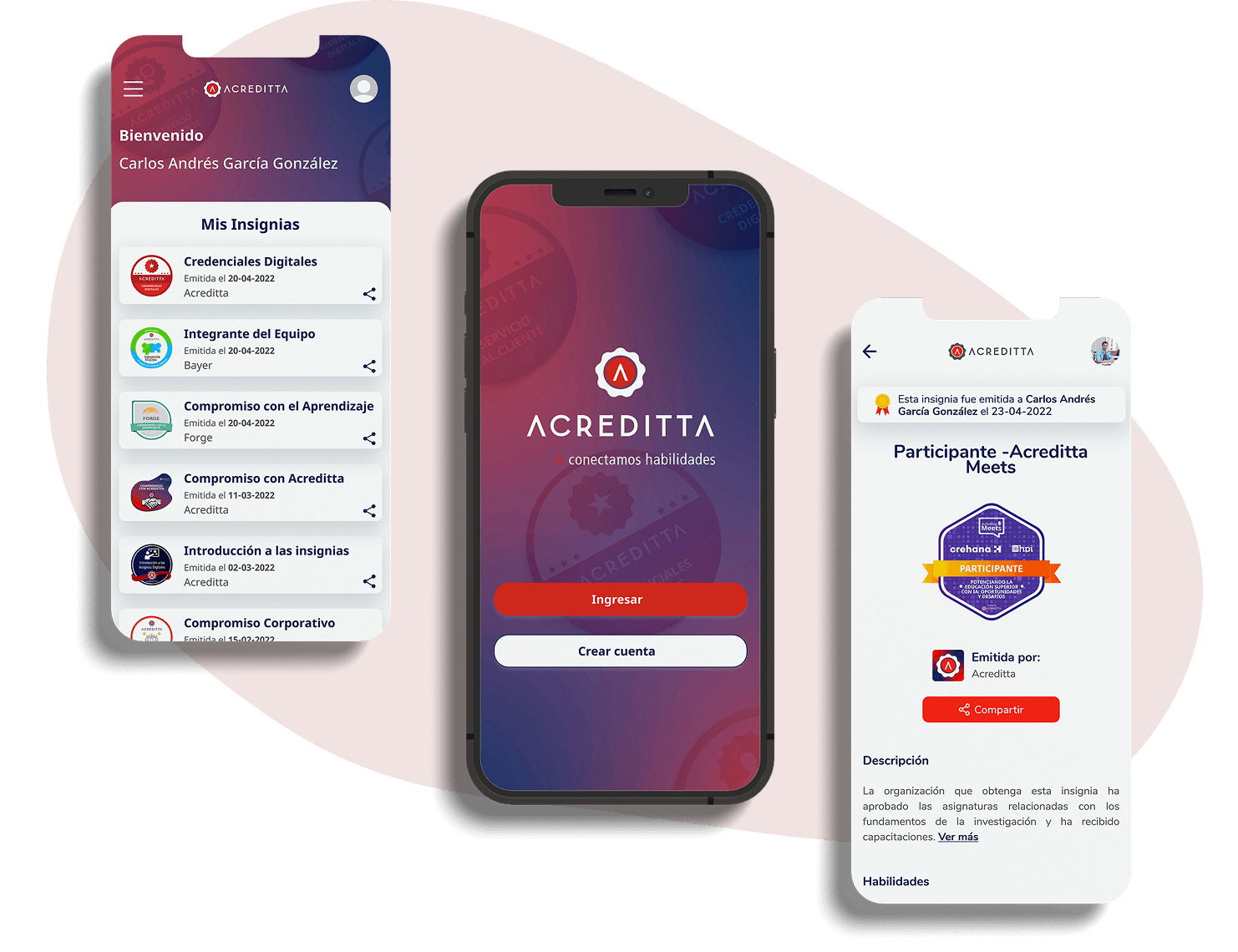
Acreditta Wallet gives credential recipients a place to access, manage and share their digital credentials from their mobile devices.
Role
UX/UI Designer
Period
2021 – 2023
Product
PWA
My work covered research, UX, UI and the definition of new product experiences.
01The project
Acreditta Wallet was designed to help credential recipients access and manage their digital credentials from a mobile device, bringing the experience into one place.
The challenge was to make credentials easy to find, understand and share, while keeping the experience simple and intuitive on a mobile screen.
Create and configure credentials.

Access digital credentials.

Keep credentials organised.

Share achievements with others.
02Research
I reviewed related applications and their functionalities to understand how digital credentials were presented, organised and accessed. This helped identify common patterns and opportunities to improve the mobile experience.

Reviewing existing products to understand their navigation, structure and approach to managing digital credentials.

Exploring how users could access their credentials, find relevant information and share them when needed.
03Insights
01
Users need to access their credentials when they need them, without having to search across different platforms.
02
Credentials should be organised in a way that makes them easy to find, identify and manage.
03
The experience needs to work well on smaller screens, with clear navigation and straightforward actions.
04Users
The experience focuses on people who receive digital credentials and need a convenient way to consult, organise and share their achievements.

Someone who receives digital credentials and wants to access them whenever needed, understand the information they contain and share their achievements with others.
05Defining the experience
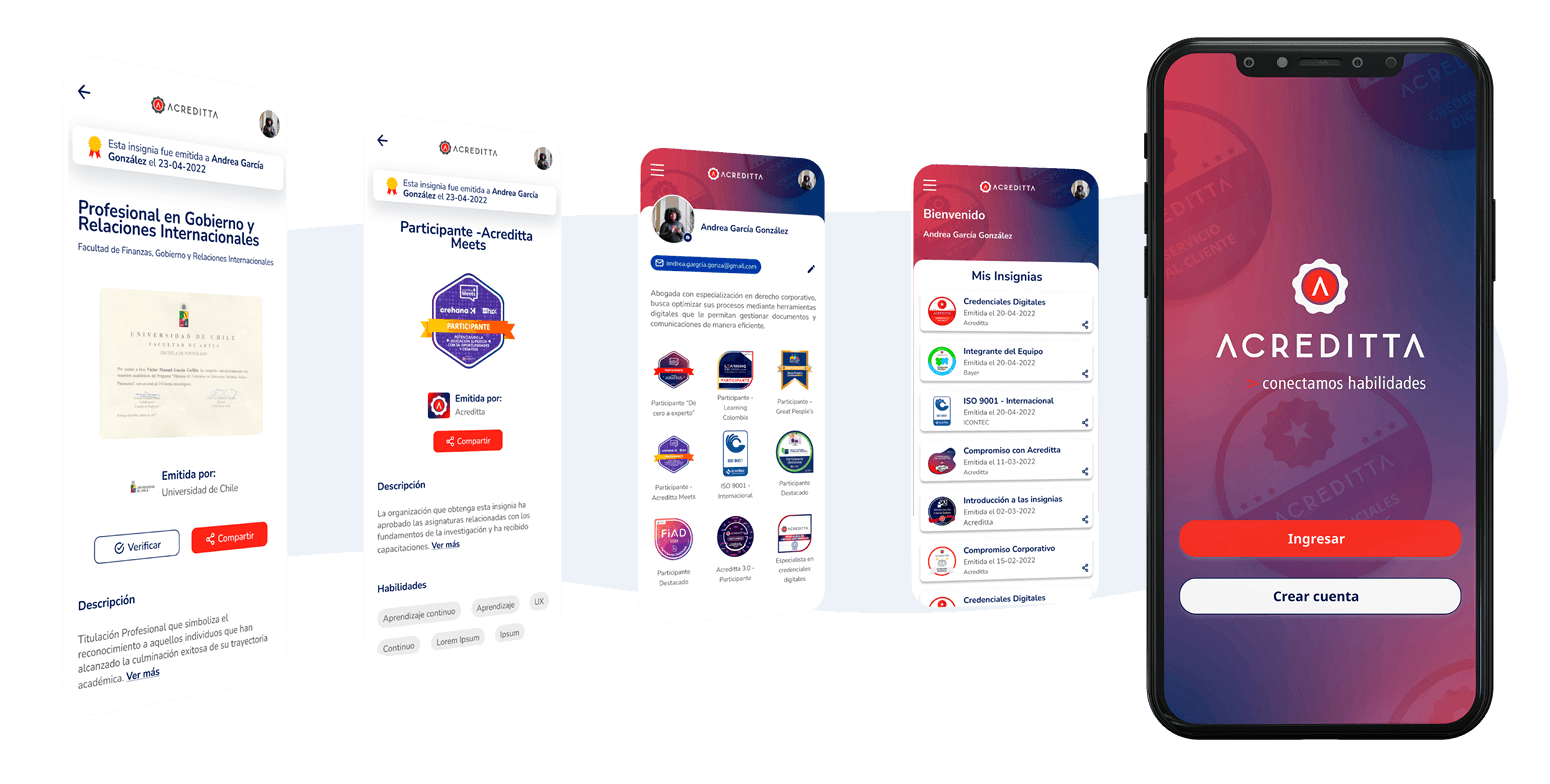
The experience was structured around the main things users need to do with their credentials: access their profile, browse their credentials, view individual details and share them. The aim was to keep these actions easy to find and reduce unnecessary steps.

Organising the main areas of the app so users can move between their profile and credentials.

Prioritising the most relevant information on each screen, especially on mobile.

Making options such as viewing details and sharing a credential easy to identify.
06Solution
01
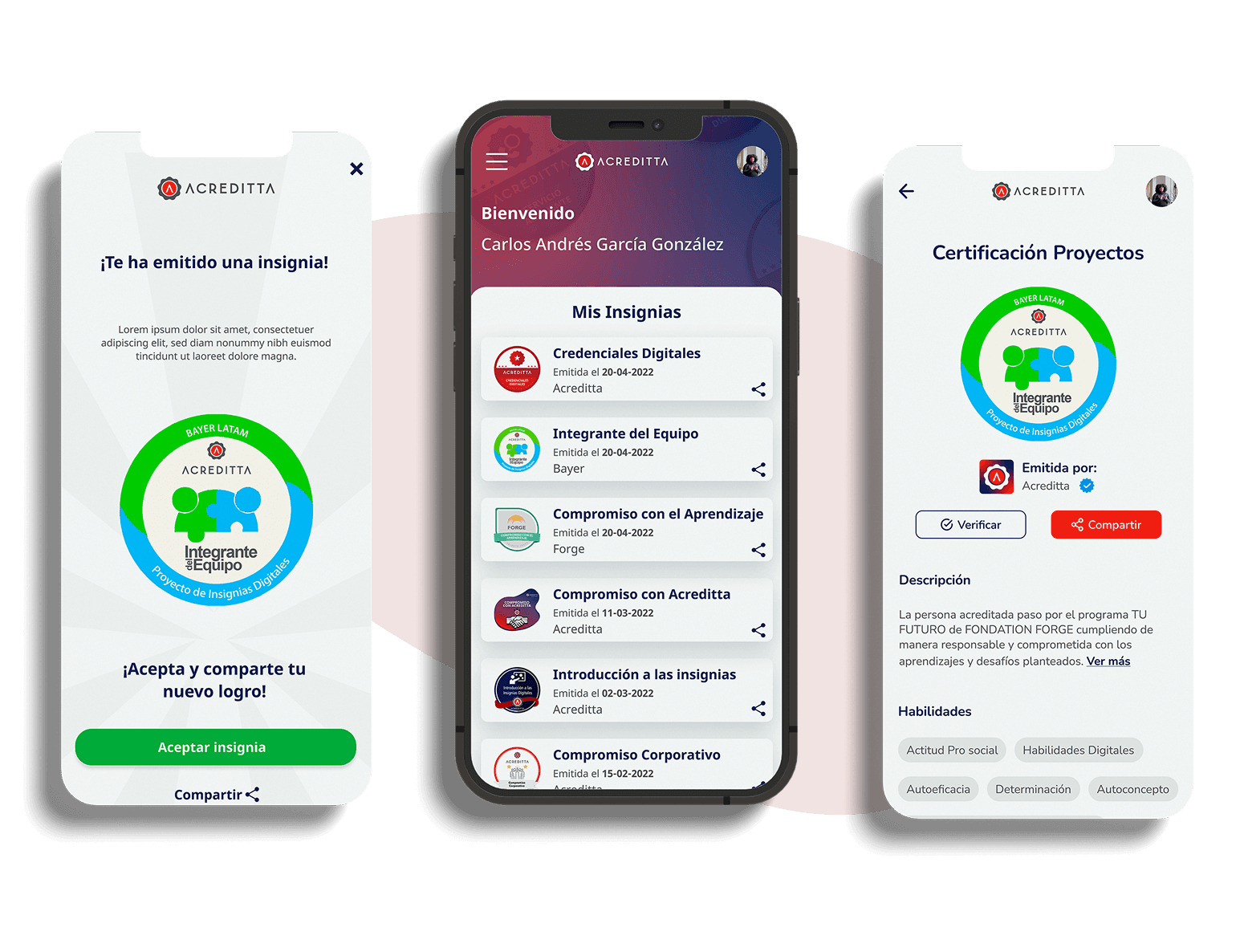
A dedicated space to view and update the information associated with the user's profile.
02
A centralised view of available credentials, making it easier to browse and find them.
03
Access to relevant information about each credential, including its issue date and available management options.
04
Options to share credentials and achievements directly from the application.
07The experience
From browsing credentials to viewing their details and sharing achievements, the experience brings the main actions together in one mobile interface.